Open-source is the key
Open-source is the key to digital sovereignty. GOnnect embodies these principles as an open, independently controllable UC client for phonecalls, chat and video conferencing. Its modular design, SIP support and a Jitsi integration enable flexible and independent use – from administration to operation. All this makes GOnnect a digital communications solution that puts digital independence into practice and empowers companies to operate their digital infrastructure with sovereignty.
Streamlined and to the point
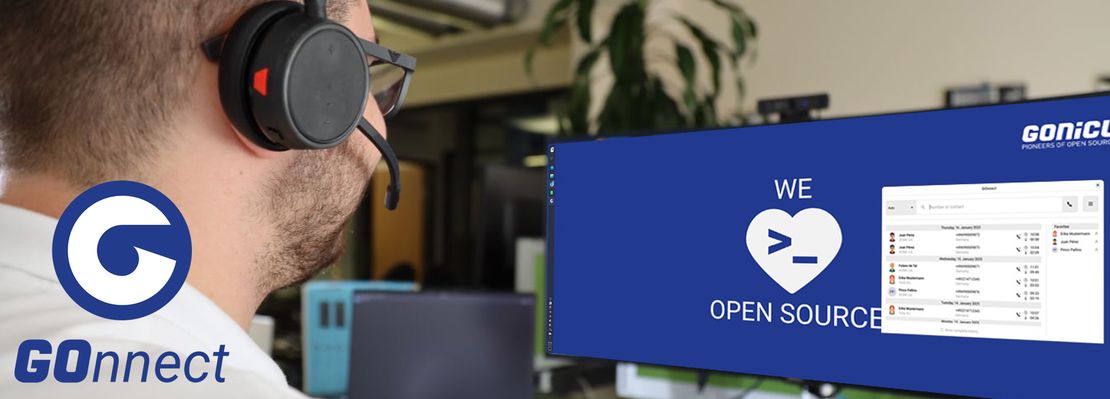
The program runs seamlessly on your desktop – streamlined, unobtrusive and always available. The clear, supportive user interface does not distract, but rather facilitates efficient work flows. As a streamlined UC client, GOnnect integrates seamlessly into existing systems and enables communication that simply works.

Full SIP integration
Thanks to full SIP integration, GOnnect acts as a SIP client for traditional telephony, without any restrictions or external dependencies. The system is compatible with widely used systems such as Asterisk, Fritzbox and Cisco, and supports functions such as call transfers and ad-hoc conferences. Companies maintain full control over their infrastructure at all times and can rely on a communication solution that remains stable, independent and trustworthy. GOnnect integrates seamlessly into existing environments and enables telephony that works immediately and can be precisely integrated into existing work flows.

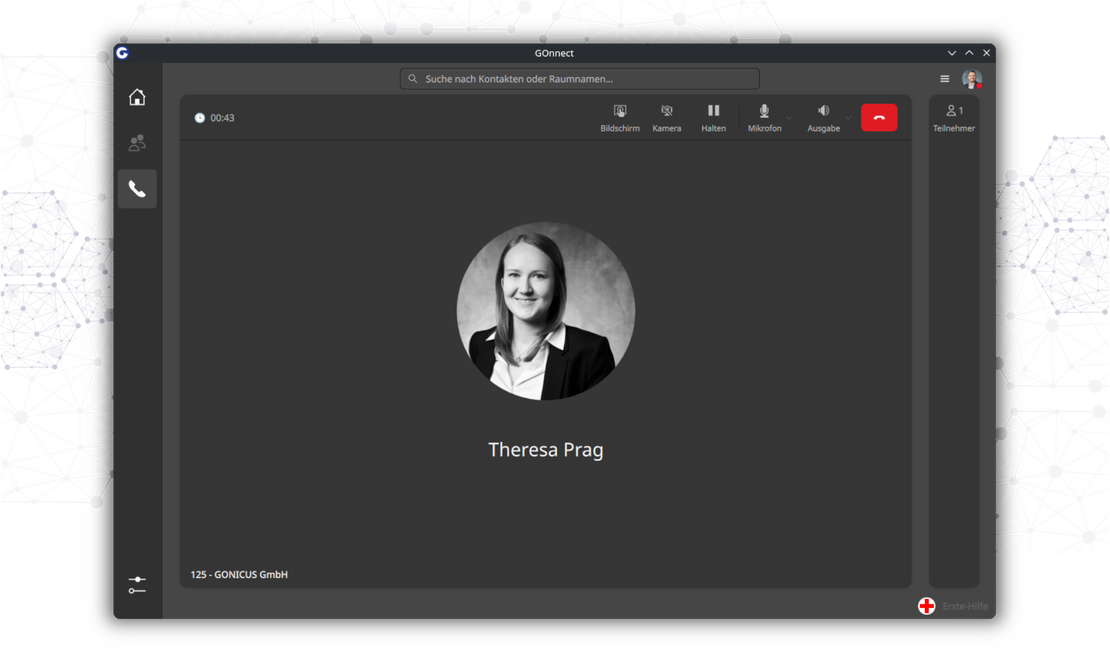
Seamlessly switch from a call to a video conference
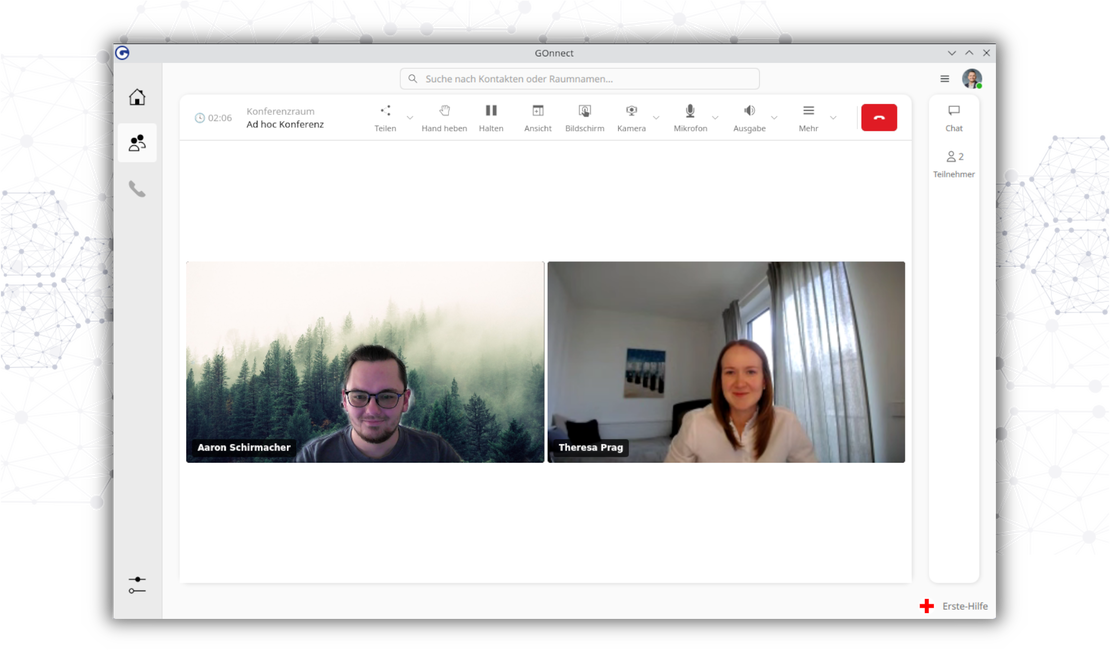
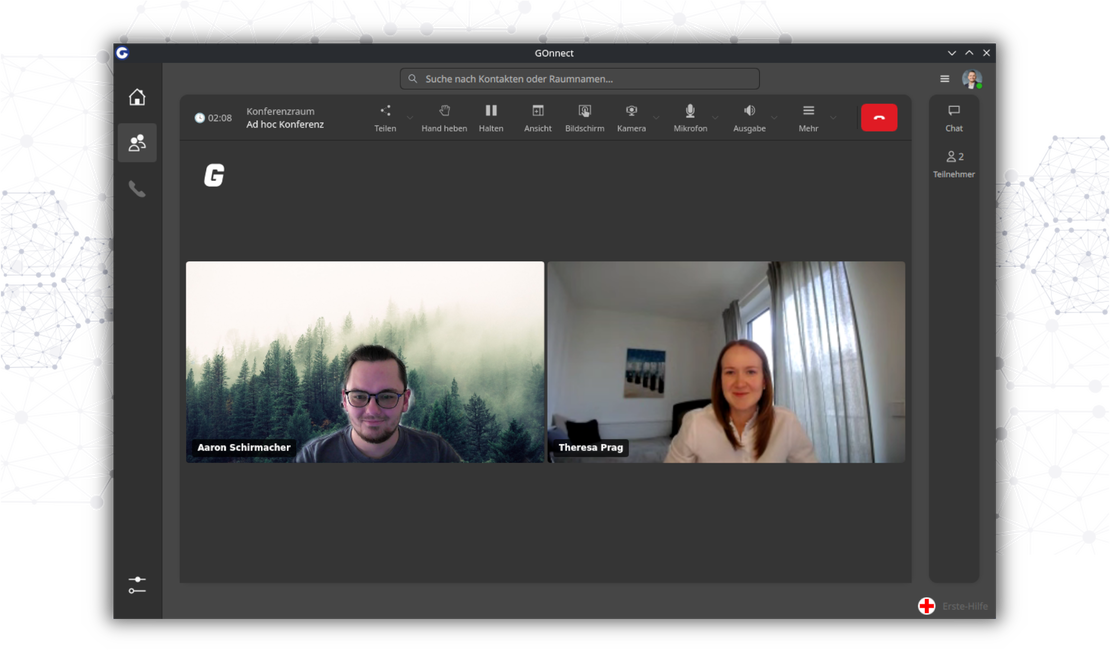
GOnnect allows you to switch an ongoing phone call directly to a Jitsi Meet video conference with just one click. The switch is made instantly, without the need for external tools, saving time and creating truly flexible working conditions. Users remain in the same familiar interface, while communication is seamlessly elevated to the next level.
Coming soon
With the Matrix integration planned for Q1 2026, GOnnect will be a central communication hub within your organisation and add another important feature to the UC client. This integration ensures efficient, clearly transparent processes that are always under your control. GOnnect is consistently evolving into a communication solution that combines digital sovereignty, transparent structures and maximal independence.